Task:
The development team of xFusionCorp Industries is working on to develop a new static website and they are planning to deploy the same on Nautilus App Server using Jenkins pipeline. They have shared their requirements with the DevOps team and accordingly we need to create a Jenkins pipeline job. Please find below more details about the task:
Click on the Jenkins button on the top bar to access the Jenkins UI. Login using username admin and password Adm!n321.
Similarly, click on the Gitea button on the top bar to access the Gitea UI. Login using username sarah and password Sarah_pass123.
There is a repository named sarah/web in Gitea that is already cloned on App Server 1 under /var/www/html directory.
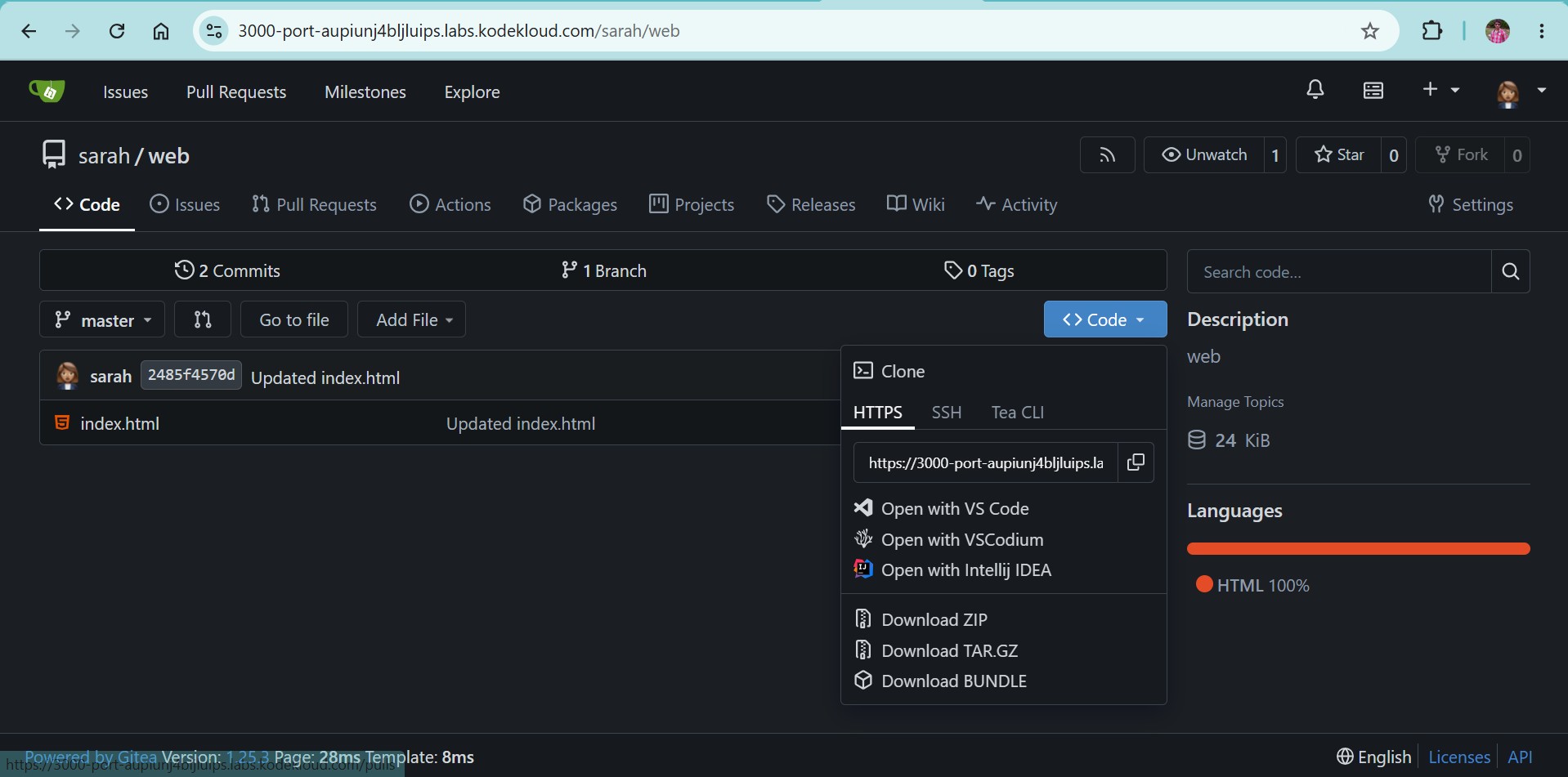
Update the content of the file index.html under the same repository to Welcome to xFusionCorp Industries and push the changes to the origin into the master branch.
Apache is already installed on the app server and is running on port 8080.
Add App Server 1 as a Jenkins agent (slave) node: name App Server 1, label stapp01, remote root directory /home/sarah/jenkins_agent, launch via SSH with host stapp01 and credentials for user sarah. Install java-17-openjdk on App Server 1 if needed.
Create a Jenkins pipeline job named deploy-job (it must not be a Multibranch pipeline job) and pipeline should have two stages Deploy and Test ( names are case sensitive ). Configure these stages as per details mentioned below.
a. The Deploy stage should deploy the code from web repository under /var/www/html on App Server 1, as this is the document root of the app server.
b. The pipeline should run on the App Server 1 node (e.g. use label stapp01).
c. The Test stage should just test if the app is working fine and website is accessible. Its up to you how you design this stage to test it out, you can simply add a curl command as well to run a curl against the LBR URL (http://stlb01:8091) to see if the website is working or not. Make sure this stage fails in case the website/app is not working or if the Deploy stage fails.
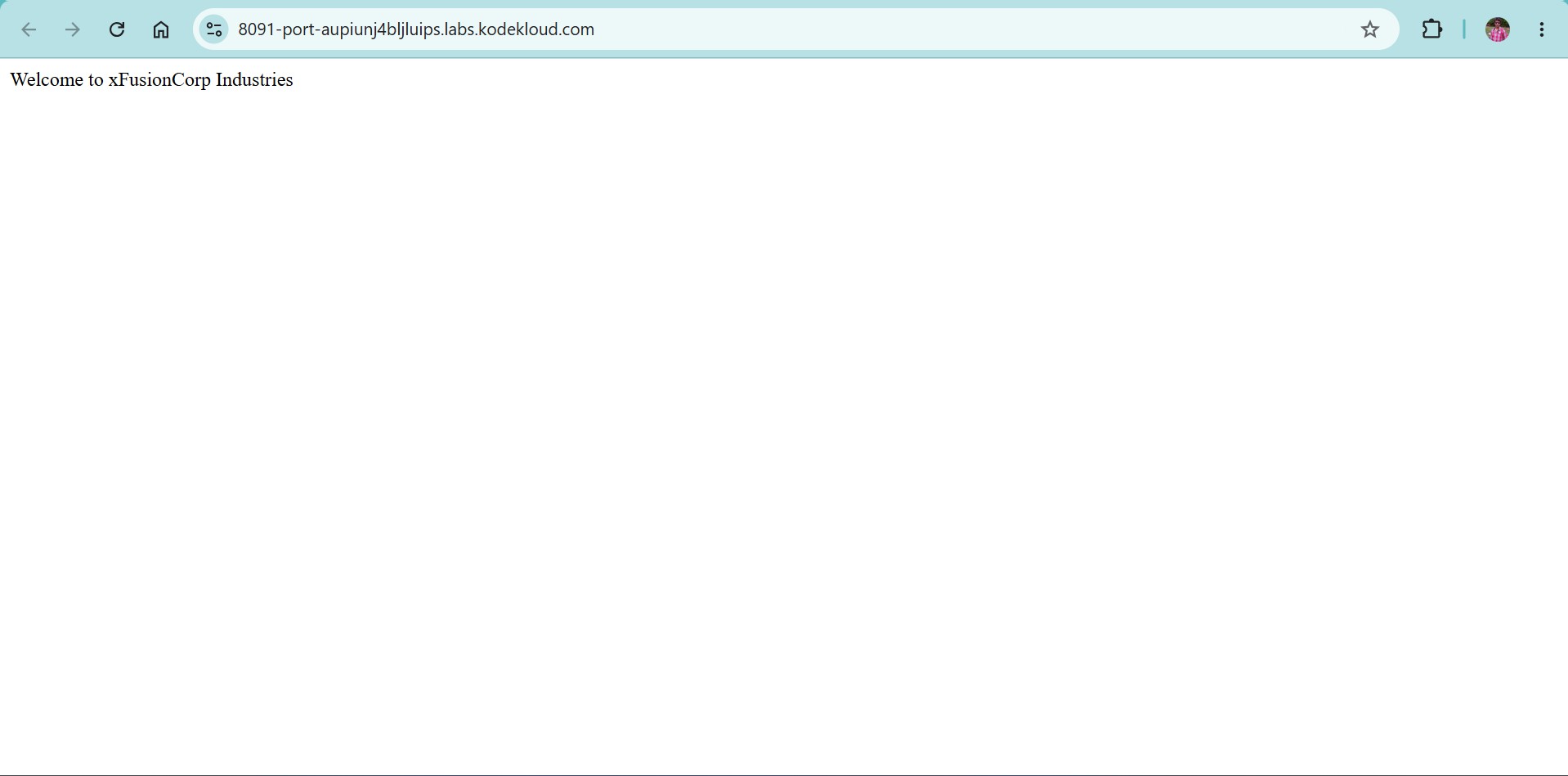
Click on the App button on the top bar to see the latest changes you deployed. Please make sure the required content is loading on the main URL http://stlb01:8091 i.e there should not be a sub-directory like http://stlb01:8091/web etc.
Steps Performed:
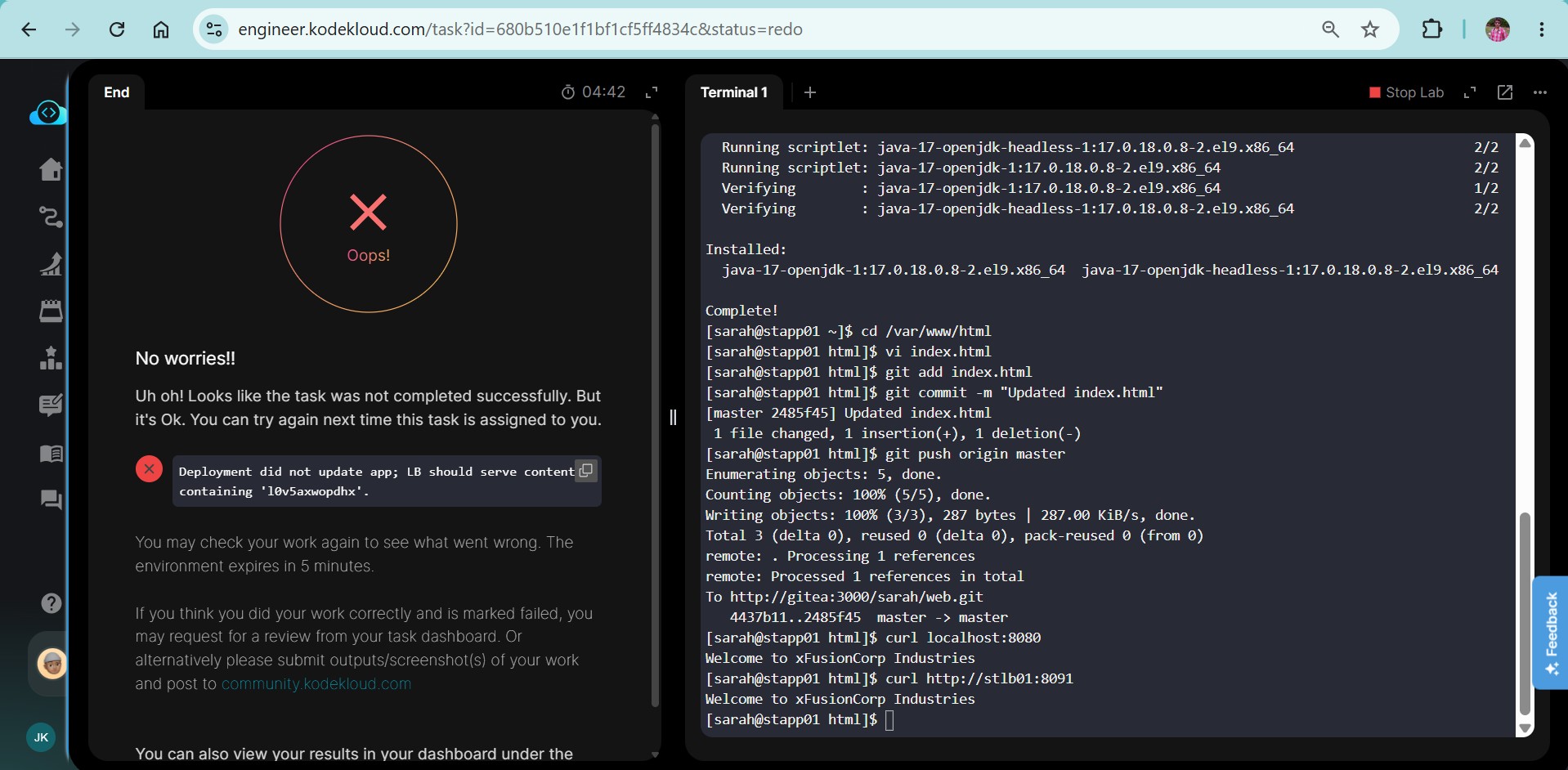
Login to “stapp01” with user “sarah” and install java-17-openjdk
cd /var/www/html
Update the index.html file with the text “Welcome to xFusionCorp Industries”
git add index.html
git commit -m “Updated index.html”
git push origin master
Login to Jenkins with user admin
Install the plugins “pipeline” and “SSH Build Agents” and restart Jenkins
Add “sarah” credentials under Manage Jenkins > Credentials > System > Global
Add node “stapp01” as slave node under Manage Jenkins > Nodes > New Node
Name: App Server 1
Remote root directory: /home/sarah/jenkins_agent
Labels: stapp01
Launch method: Launch agents via SSH
Host: stapp01
Credentials: select sarah
Host Key Verification Strategy: Non verifying Verification Strategy
Save
Create a job:
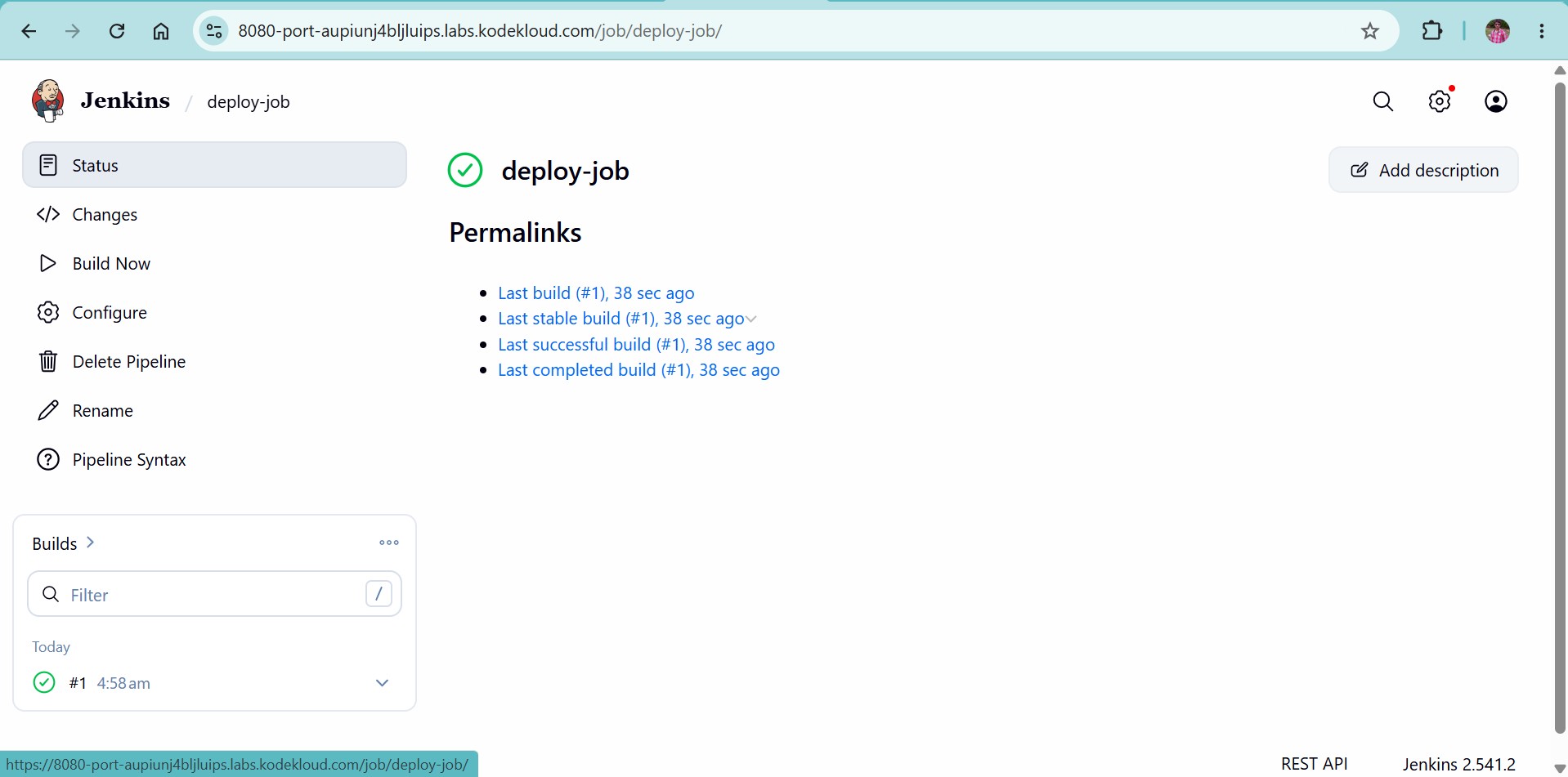
Name: deploy-job
type: Pipeline
Pipeline script:
pipeline {
agent { label ‘stapp01’ }
stages {
    stage('Deploy') {
        steps {
            script {
                def giteaUrl = "https://3000-port-aupiunj4bljluips.labs.kodekloud.com/sarah/web.git"
                sh """
                    # 1. Ownership & Safety
                    echo 'Sarah_pass123' | sudo -S chown -R sarah:sarah /var/www/html
                    git config --global --add safe.directory /var/www/html

                    # 2. Sync with Gitea
                    cd /var/www/html
                    git remote set-url origin ${giteaUrl}
                    git fetch origin master
                    git reset --hard origin/master

                    # 3. Permissions for Web Server
                    echo 'Sarah_pass123' | sudo -S chmod -R 755 /var/www/html
                """
            }
        }
    }

    stage('Test') {
        steps {
            script {
                // DYNAMIC TEST: Compare the website content to the file on disk
                // If they match, the deployment was successful regardless of the text
                sh """
                    # Get content from the Load Balancer
                    WEB_CONTENT=\$(curl -sL http://stlb01:8091)

                    # Get content from the actual file
                    FILE_CONTENT=\$(cat /var/www/html/index.html)

                    echo "Web says: \$WEB_CONTENT"
                    echo "File says: \$FILE_CONTENT"

                    if [ "\$WEB_CONTENT" == "\$FILE_CONTENT" ]; then
                        echo "Validation Success: Website matches Repository"
                    else
                        echo "Validation Failure: Website does not match Repository"
                        exit 1
                    fi
                """
            }
        }
    }
}
}