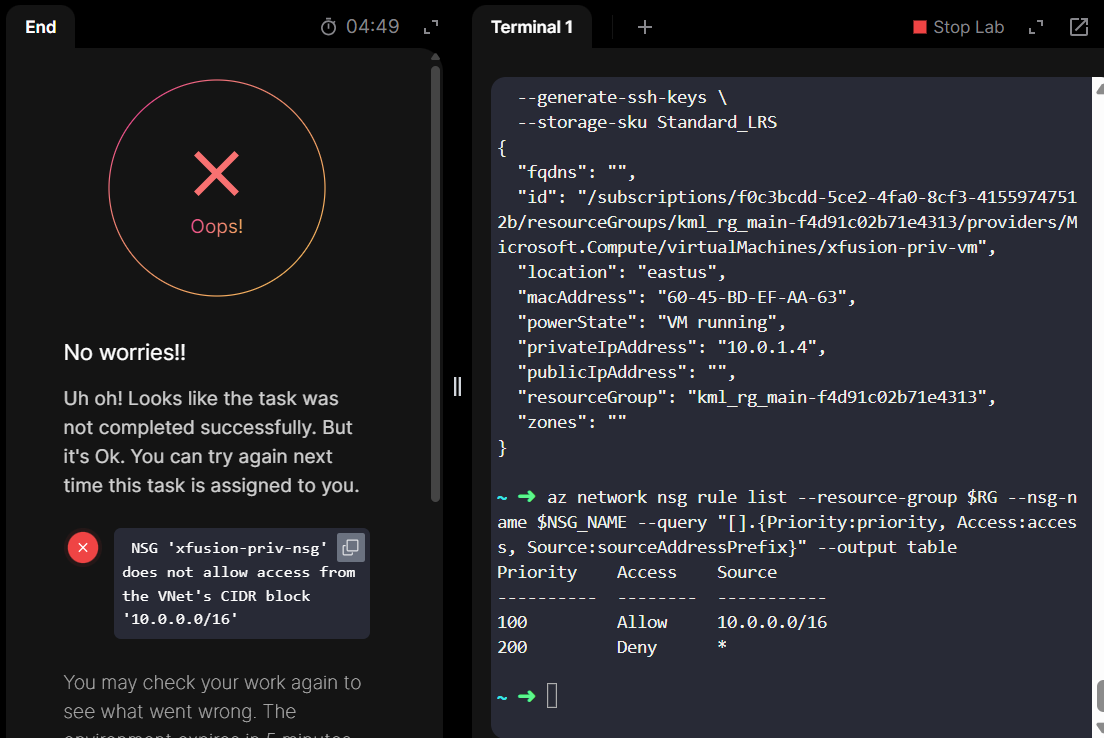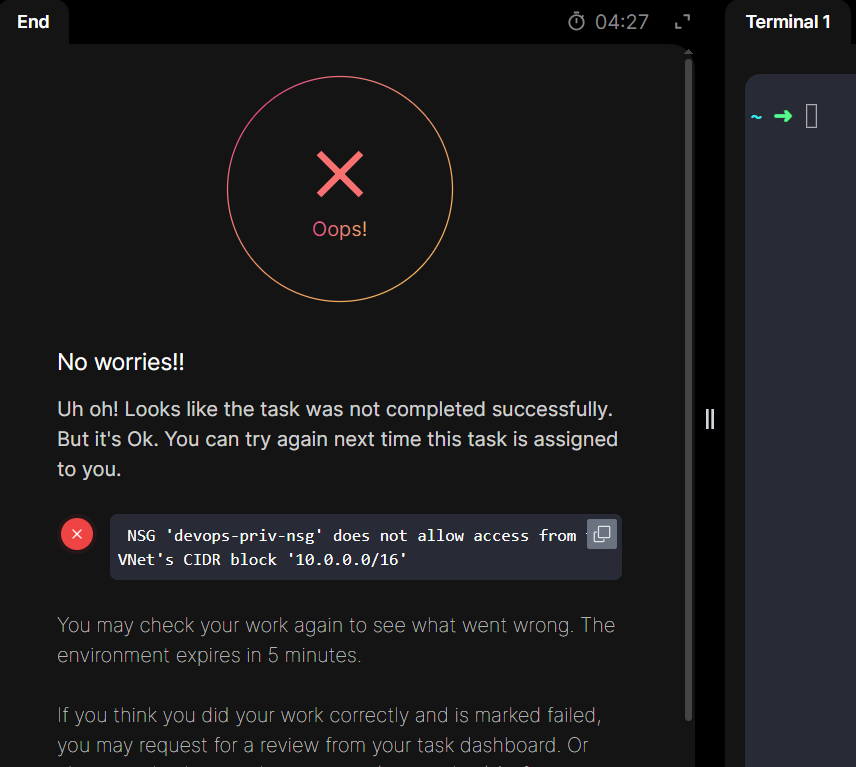
after completing this task and then check showing this error but
we are using 172.16.0.0/16 this CIDR value
configure proper nsg security group also
please check




Hey @Santosh_KodeKloud I tried the same solution but it doesn’t work. The fix is, Destination has to be 10.0.0.0/16
Hi,
I am facing the same issue with the “Deploying Virtual Machines in a Private Virtual Network” lab task. Despite configuring the Network Security Group (NSG) exactly as requested to restrict traffic to the VNet’s CIDR block, the validation script continues to fail.
The Error:
The task fails with the following message:
NSG ‘xfusion-priv-nsg’ does not allow access from the VNet’s CIDR block ‘10.0.0.0/16’
What I have tried:
I understand the requirement is to allow access only from the VNet’s CIDR (10.0.0.0/16). To achieve this, I used the CLI to:
Create an Allow rule for 10.0.0.0/16 with Priority 100.
Create a Deny rule for * (Internet/Any) with Priority 200 to satisfy the “only” condition.
Associated the NSG with the Subnet.
I also tried the solution suggested in this GitHub repository
https://github.com/Srikanth0824/kodekloud-engineer/blob/main/100_Days_of_Cloud-Azure/assets/day27.md