Not able to complete test with persistently issue occured. Please resolve this.
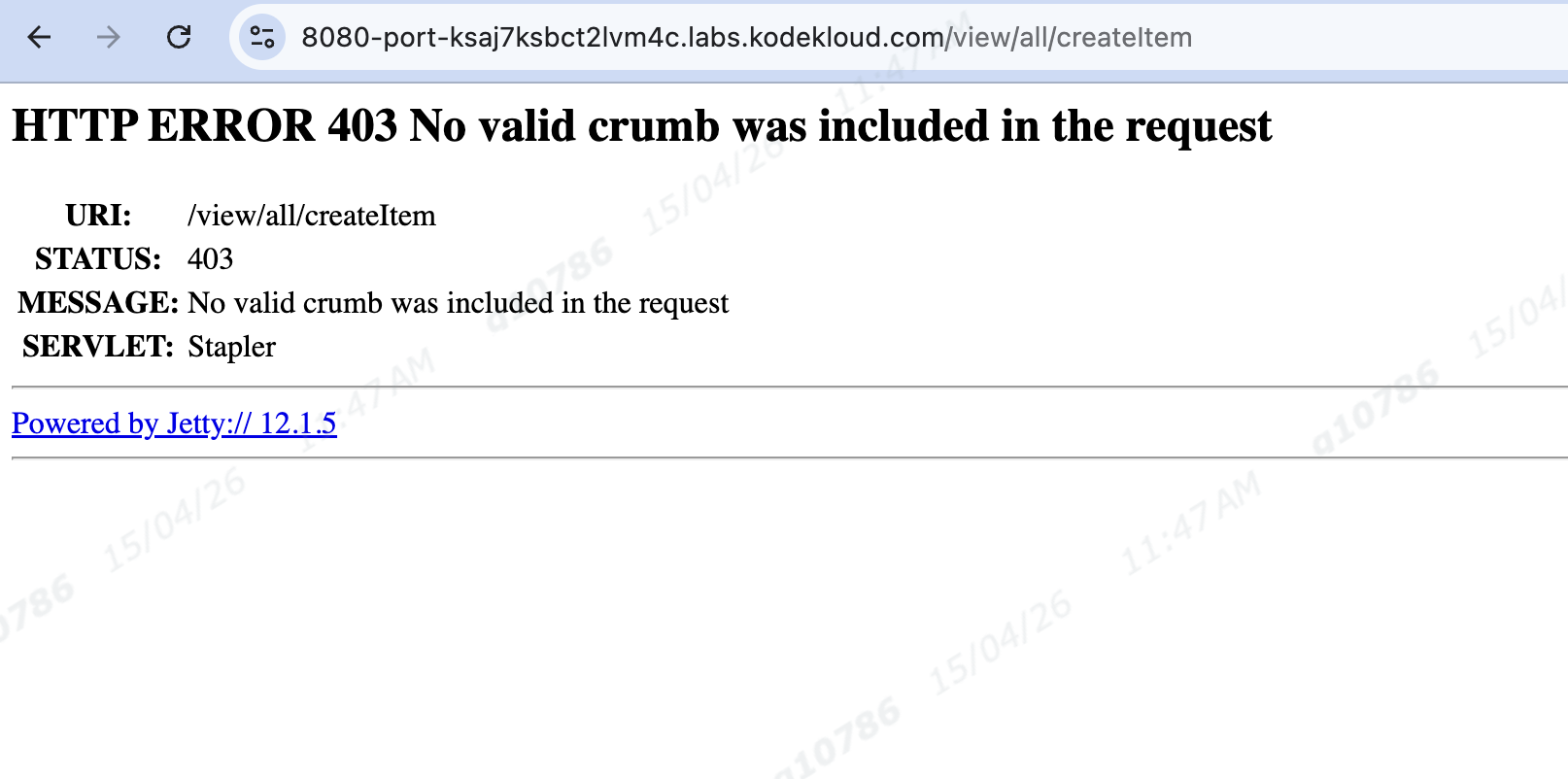
while creating job or configuring something this issue persist. why?
For all Jenkins tasks (Day 70 to 75) especially Day 72 Task persist this issue. In Jenkins UI tasks especially.
Hi @Gnanendra
I just checked it, and it’s working properly on my side.
Whenever you face this issue, could you try accessing the site in Incognito mode and let me know if it works?
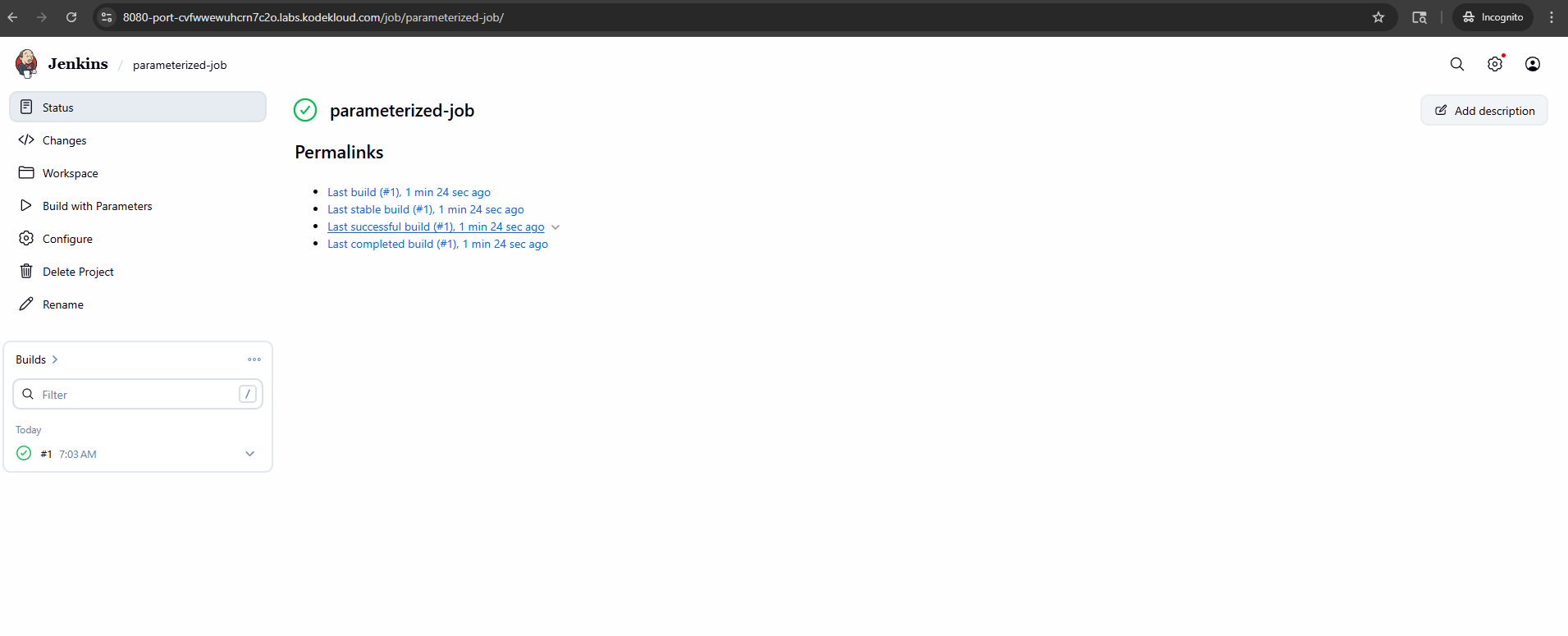
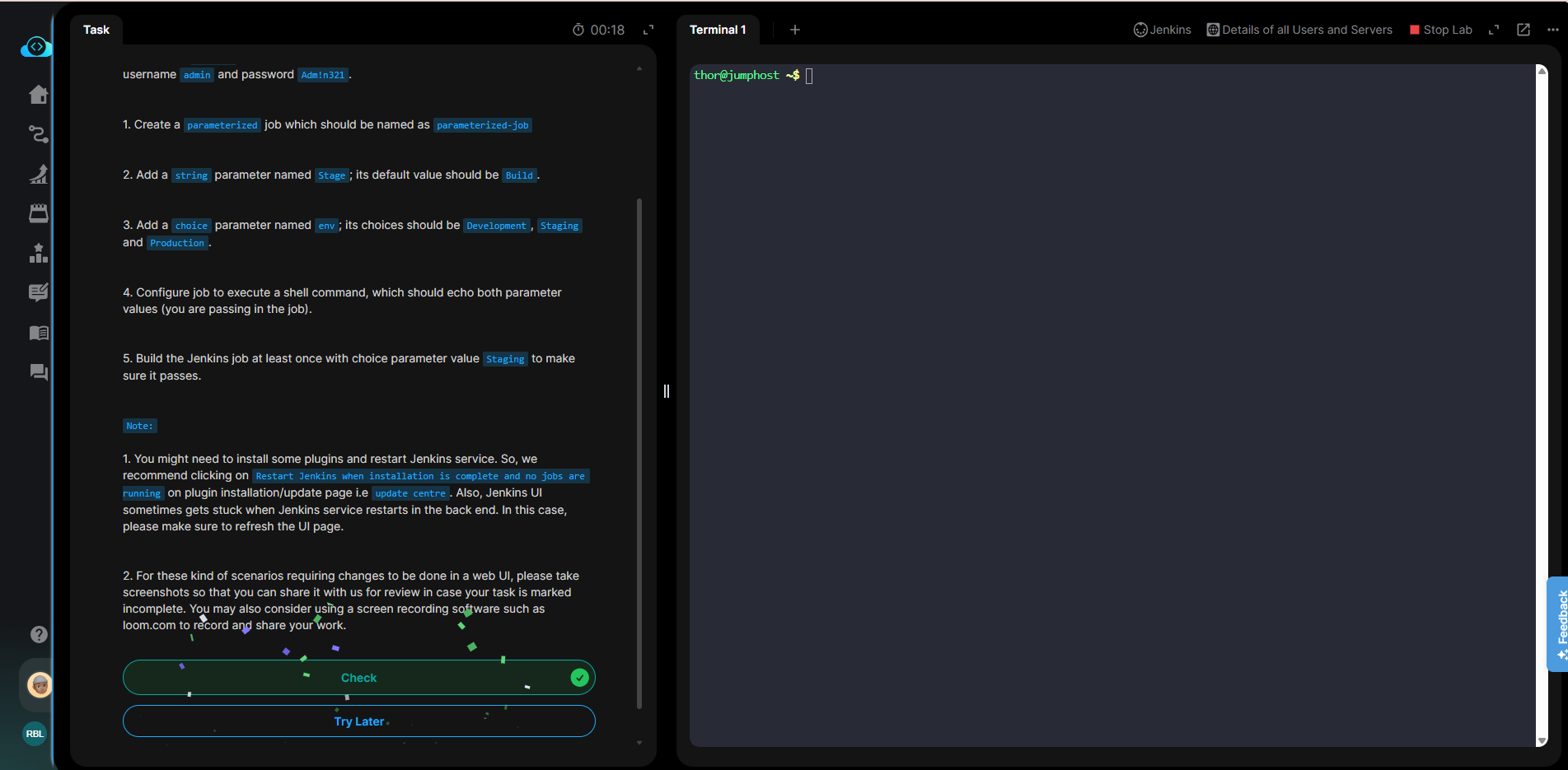
Still same error in InCog mode also. If we try to Save the changes, any button click, this error is getting.
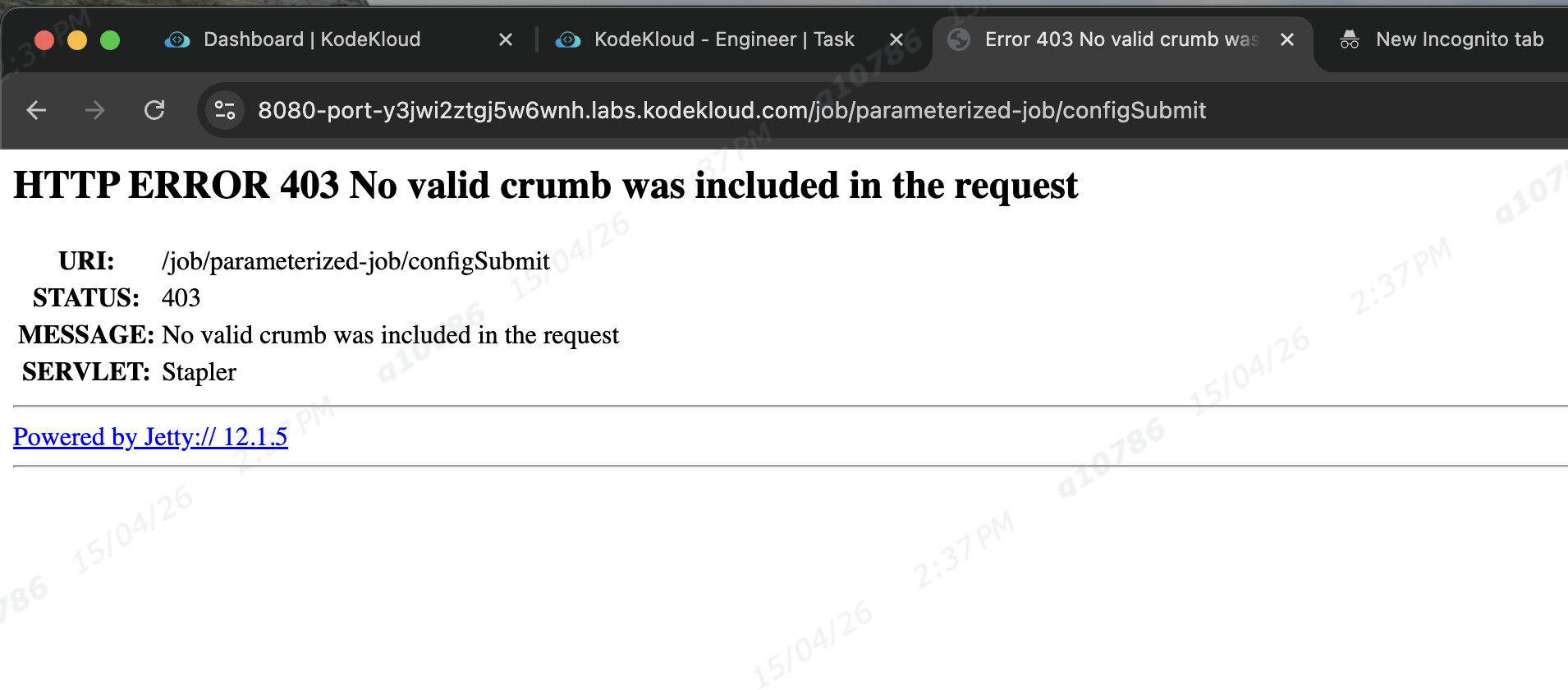
This appears to be a CSRF related problem. Have you tried enabling CSRF protection in Jenkins?
Enable CSRF Protection: Ensure that CSRF protection is enabled in the Jenkins security settings. To do this:
a. Go to Jenkins Dashboard.
b. Click on “Manage Jenkins” on the left-hand side.
c. Click on “Configure Global Security” to open the Global Security page.
d. Check the box for “Enable CSRF Protection” if it’s not already checked.
e. Re-login and check now
Thanks @rob_kodekloud ,
Even I “Enable CSRF Protection”, same issue “403 No valid crumb was included in the request” error throwing, some times 431 jsp spring error is throwing just after login Jenkins.
How to resolve this , didn’t get.
Can you please try a different browser? I’m trying to figure out how you even get different behavior here, and that would eliminate a possible cause.
I believe it is related to the browser. I also had to use Incognito mode to access the Jenkins website.
@raymond.baoly yes, with Chrome browser getting issue, tried with Edge browser, finally worked. Thanks.